
УЛІС Сістемс
Місія компанії «УЛІС Сістемс» полягає у втіленні в життя можливостей сучасних інформаційних технологій, що сприяють підвищенню ефективності бізнесу наших замовників.
З моменту заснування в 1994 році компанія «УЛІС Сістемс» успішно розвивалася, освоюючи одне за одним напрямки IT бізнесу. За час своєї діяльності компанія не тільки набула досвід у реалізації масштабних проектів, але й стала по-справжньому багатопрофільною компанією.
Детальніше...Напрямки діяльності
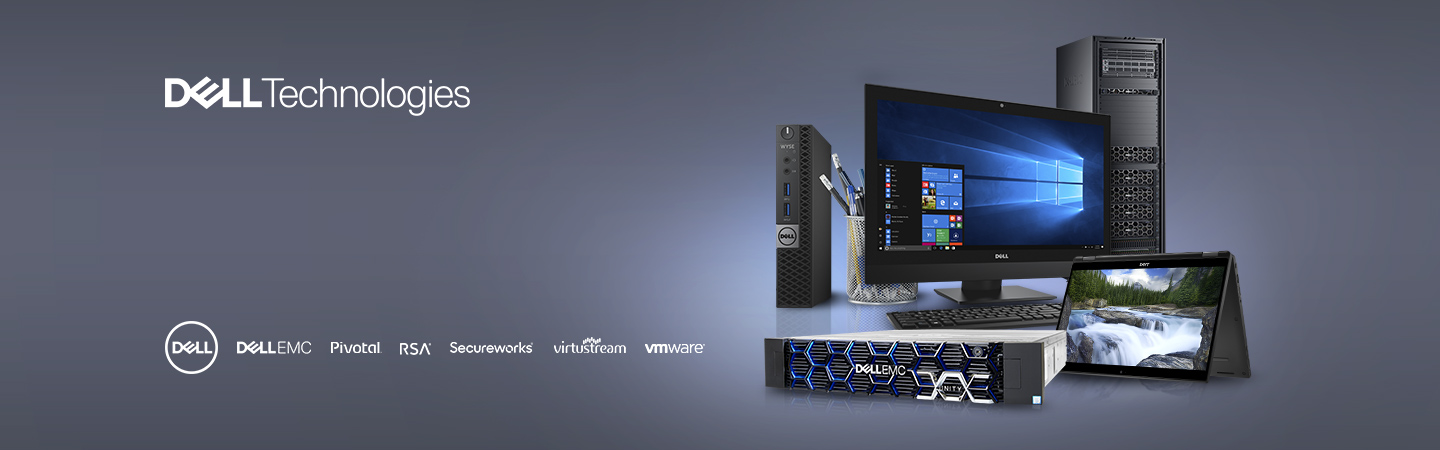
- Створення обчислювальних інфраструктур на базі техніки Dell TechnologiesКомпанія ULYS Systems пропонує українським користувачам, що цінують якість, надійність, вишуканий дизайн, самі останні новинки від найбільшого світового виробника комп'ютерної техніки DELL.
- Інжинірінг будинківСпівробітники компанії, що приймають участь у розробці й реалізації проектів, мають вищу освіту, сертифіковані провідними світовими виробниками устаткування з кабельних систем і інжинірінгу будинків.
- IT-консалтинг і створення корпоративних системКомпанія УЛІС Сістемс надає послуги IT аутсорсинга і забезпечує супровід IT систем.
- Поставка програмного забезпечення і розробка додатківНа сьогоднішній день компанія “УЛІС Сістемс” є офіційним партнером провідних світових виробників програмного забезпечення.
- Проектування і впровадження локальних обчислювальних мережРеалізація комплексних проектів, спрямованих на рішення бізнесів-завдань клієнтів, аналіз бізнес-завдання клієнта й побудова під нього інфраструктури.
Партнери

Заснована в 1984 році Майклом Деллом у м. Остін, штат Техас, корпорація DELL є однією з комп'ютерних компаній світу, що найбільш швидко розвиваються. Компанія Dell у рамках своєї бізнес-моделі проектує, виробляє і адаптує продукти й послуги відповідно до вимог замовників, а також пропонує широкий спектр програмного забезпечення й периферійних пристроїв. На сьогоднішній день команда співробітників Dell Computer Corporation нараховує 61400 чоловік в усьому світі
Cisco Systems - світовий лідер в області мережевих технологій, призначених для мережі Інтернет. Рішення Cisco поєднують людей, комп'ютерні пристрої і комп'ютерні мережі й дозволяють одержувати й передавати інформацію, незалежно від місця, часу й використовуваних комп'ютерних систем. Cisco продає свою продукцію приблизно в 115 країнах. Штаб-квартира Cisco розташована у місті Сан-Хосе, штат Каліфорнія. Кількість співробітників в усьому світі - близько 38 099 чоловік

International Business Machines Corporation — американська електронна корпорація, один із найбільших світових виробників усіх видів комп'ютерів і програмного забезпечення, один із найбільших провайдерів глобальних інформаційних мереж. Корпорація посідає 6-те місце в списку найбільших компаній світу. Штаб-квартира розташована у Армонку, штат Нью-Йорк, США. Історія починається з XIX ст.. IBM виробляє та продає апаратне та програмне забезпечення, послуги (хостинг, консалтинг) у сферах від мейнфреймів до нанотехнологій.
Враховуючи штат у 300 000 співробітників у всьому світі та дохід у 91 млрд $ у 2005 р., IBM є найбільшою компанією у галузі інформаційних технологій у світі. У власності IBM більше патентів, ніж у будь-якої іншої технологічної компанії. IBM має інженерів та консультантів у більш ніж 170 країнах, а IBM Research має вісім лабораторій по всьому світі. Співробітники IBM здобули п'ять Нобелівських премій, чотири Премії Тюрінга, п'ять Національних медалей за розвиток технологій, та п'ять Національних медалей за розвиток науки.
Враховуючи штат у 300 000 співробітників у всьому світі та дохід у 91 млрд $ у 2005 р., IBM є найбільшою компанією у галузі інформаційних технологій у світі. У власності IBM більше патентів, ніж у будь-якої іншої технологічної компанії. IBM має інженерів та консультантів у більш ніж 170 країнах, а IBM Research має вісім лабораторій по всьому світі. Співробітники IBM здобули п'ять Нобелівських премій, чотири Премії Тюрінга, п'ять Національних медалей за розвиток технологій, та п'ять Національних медалей за розвиток науки.

Lenovo Group Limited - транснаціональна корпорація, що випускає персональні комп'ютери, ноутбуки, смартфони, ряд іншої електроніки, а також клавіатури, комп'ютерні миші, колонки, навушники, захисні чохли та інші аксесуари до неї. Є найбільшим виробником персональних комп'ютерів у світі з часткою над ринком понад 20%, і займає п'яте місце у виробництві мобільних телефонів. Штаб-квартира компанії Lenovo розташована у Пекіні (КНР), а зареєстрована компанія у Гонконгу. Основні дослідні центри компанії розташовані в Пекіні, Шанхаї та Шеньчжені (КНР), а також у Ямато (Японія).

Заснована в 1975 році, корпорація Microsoft є світовим лідером у виробництві програмного забезпечення, наданні послуг і розробці інтернет-технологій для персональних комп'ютерів і серверів. Продукти Microsoft продаються більш ніж в 80 країнах світу, переведені більш ніж на 45 мов (у тому числі — на російську) і сумісні з більшістю платформ персональних комп'ютерів. Корпорація нараховує штат більше 60000 співробітників в 60 країнах світу. Штаб-квартира знаходиться в м. Редмонд.

Пропонуючи лідируючий на ринку корпоративних порталів підприємства продукт Enterprise Portal (EP), рішення для мобільних і бездротових обчислень, унікальні технології інтеграції, а також високопродуктивні системи керування базами даних, Sybase є одним з найбільших незалежних постачальників програмного забезпечення у світі. Sybase Inc. - це велика міжнародна корпорація з головним офісом у Сан-Франциско (США), представлена в 63 країнах світу, чисельність персоналу понад 4000 чоловік. Штаб-квартира розташована в м. Дубліні, штат Каліфорнія
Fortinet — американська транснаціональна корпорація. Є головний офіс, розташований в м. Саннівейл (Каліфорнія). Компанія спеціалізується на розробці та просуванні програмного забезпечення, рішень та сервісів у сфері інформаційної безпеки: міжсетових екранів, антивірусних програм, систем передпуску вторжень та забезпечення безпеки кінцевих точок та інших продуктів. По об'єднанню виручки компанія займає четверте місце серед усіх компаній, що спеціалізуються в області мережевої безпеки.

HP є світовим лідером у сфері ІТ-рішень і обчислювальних технологій. Компанія надає рішення для ІТ-інфраструктури, персональні комп’ютерні системи та пристрої доступу, системну інтеграцію, сервісну підтримку та послуги аутсорсингу, а також пристрої друку та відображення для великих підприємств, малого та середнього бізнесу та кінцевих користувачів. Заснована в 1939 році зі штаб-квартирою в Пало-Альто, Каліфорнія. Працює в 170 країнах, має штат 150 000 осіб. Працює з 210 000 торговими партнерами.

В усьому світі марка APC є синонімом високоякісних рішень в області підтримки електроживлення й керування засобами його захисту. APC поставляє глобальні комплексні рішення для малих офісів, комерційних мереж, мереж провайдерів послуг, центрів обробки даних і корпоративних електромереж. Корпорація American Power Conversion була заснована в 1981 р. Корпоративна штаб-квартира розташована у Вест-Кінгстоні(США), число постійних співробітників в усьому світі близько 5400 чоловік

Symantec Corporation зараз NortonLifeLock Inc. – компанія з розробки програмного забезпечення в галузі інформаційної безпеки та захисту інформації. Розташований у Купертіно, Каліфорнія. Є одним із світових лідерів у галузі виробництва програмного забезпечення для ПК та центрів обробки даних. В основних напрямках діяльності – захист кінцевих точок, управління сховищами та резервне копіювання.

Найбільший електротехнічний концерн, світовий лідер в області інженерних рішень для широкого спектра галузей промисловості. Сьогодні концерн представлений у більше ніж 190 країнах світу й має штат співробітників близько 450000 чоловік. Заснований в 1847 р. у Берліні. Штаб -квартира концерну розташована в Мюнхені. Компанія здійснює свою діяльність в 9 основних сегментах ринку: комунікації й зв'язок, автоматизація й контроль, електроенергія, транспортні перевезення, медицина, освітлювальна апаратура, фінанси й нерухомість і ін.
Проекти










-
Контакти:
+380 (44) 573-30-50 +380 (44) 573-30-57 +380 (67) 555-94-50Email: info@ulyssys.com
Адреса:
02157, м.Київ, вул. Володимира Сосюри, 6, БЦ «ПРАГА», оф.603 Надіслати запит